
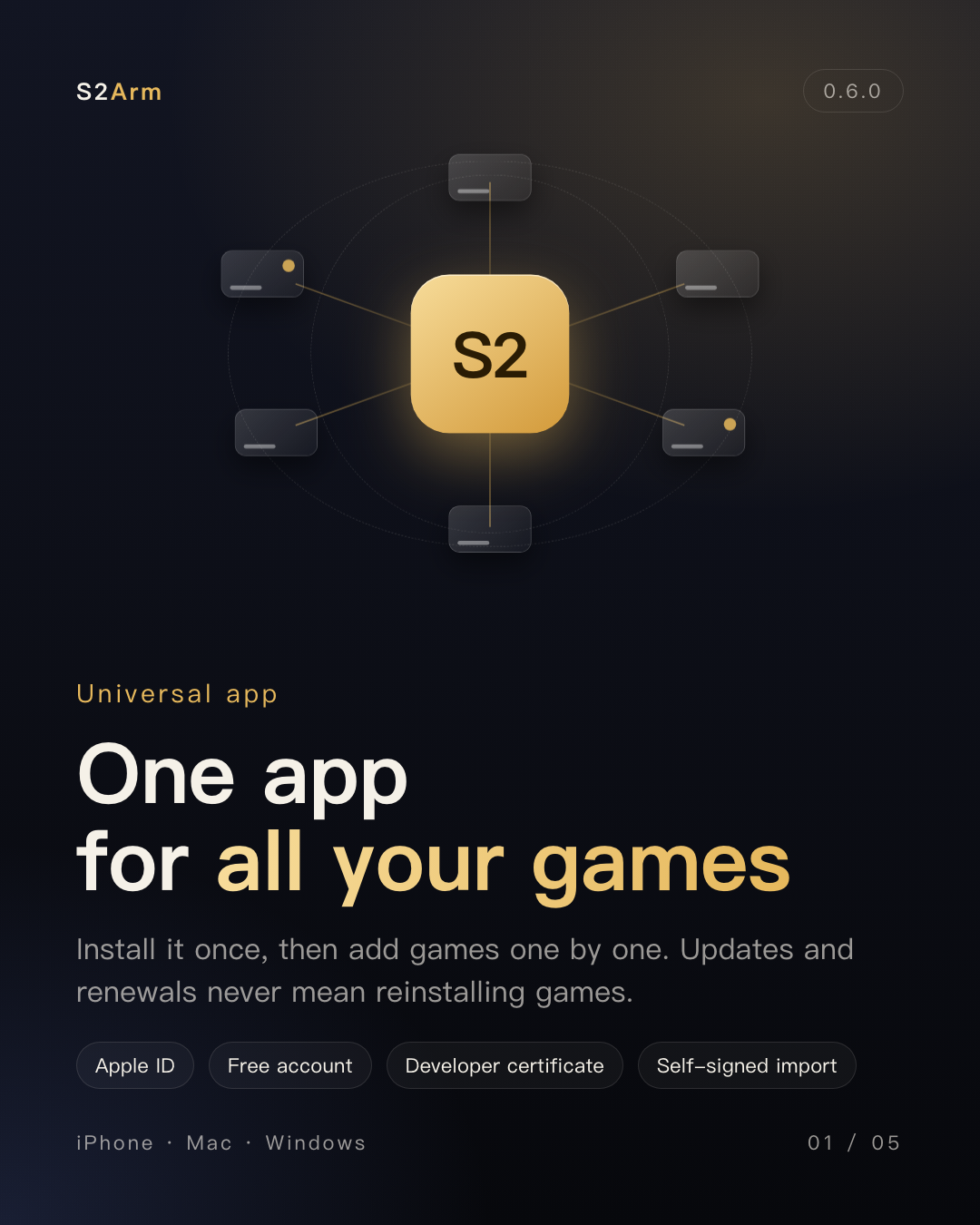
One app for all your games
Install S2Arm once, then add games one by one. Updating or renewing the app never means installing your games again, and your saves stay.
S2ARM 0.6.0
Game code is rewritten to native ARM64 and runs directly on the processor, with graphics going straight to Metal. From 0.6.0 there is one S2Arm app on your phone: send games to it one by one from the Mac or Windows launcher and play.
Install S2Arm once, then add games one by one. Updating or renewing the app never means installing your games again, and your saves stay.
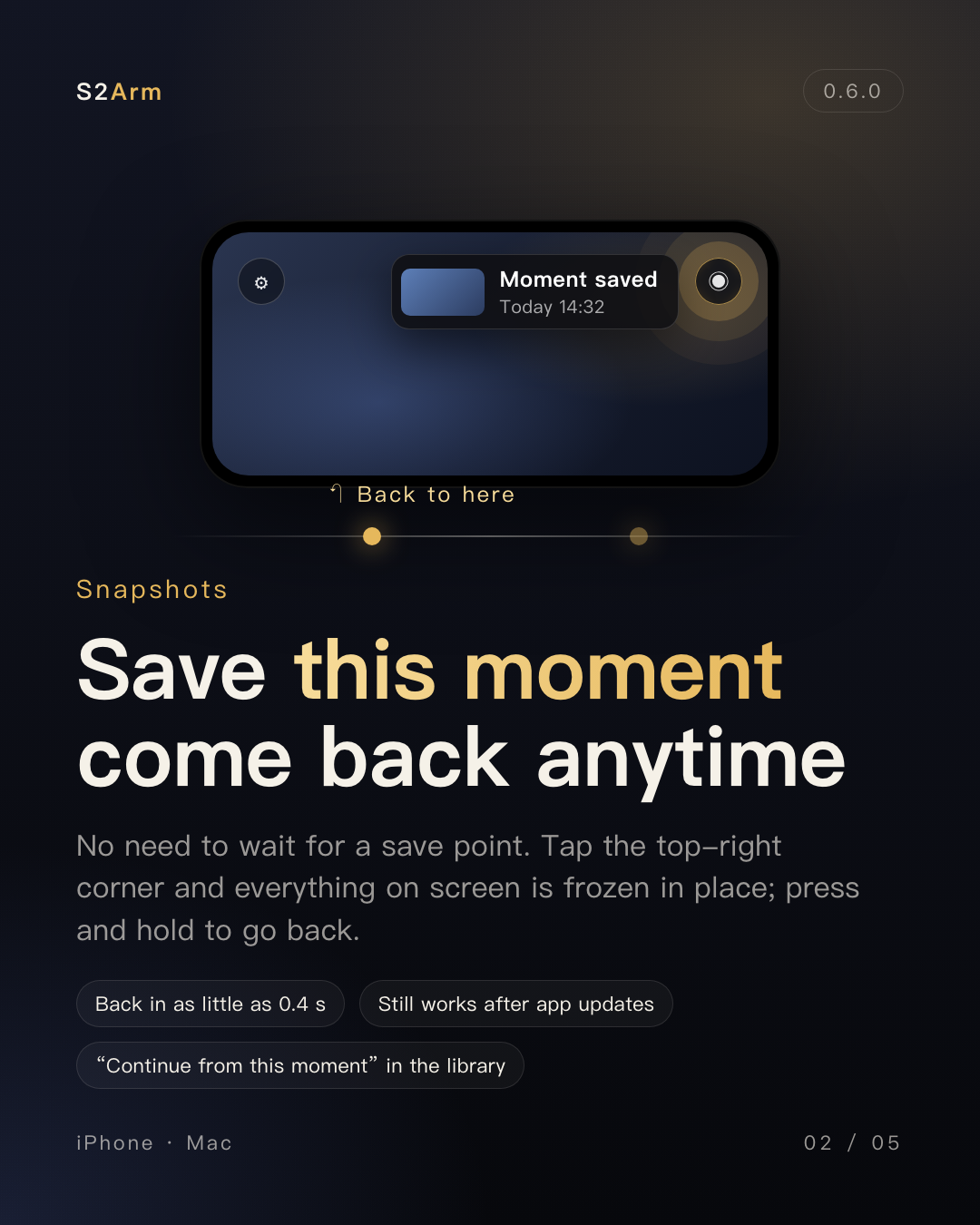
Tap the ◉ in the top-right corner to save the moment you are in and press and hold to go back; Continue from this moment in the library takes you straight there. Snapshots take storage; press and hold to delete one.
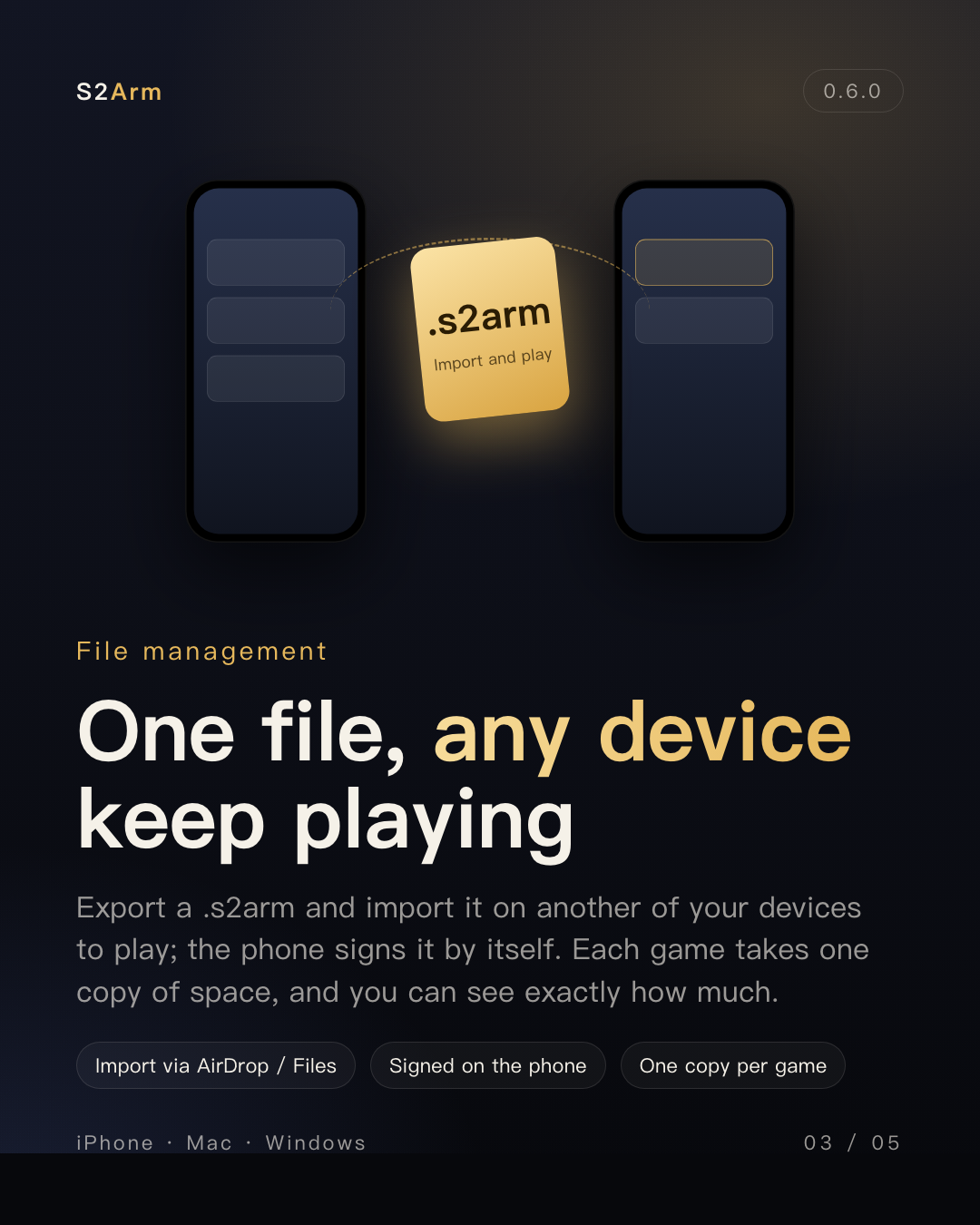
Export a game as a .s2arm file and import it on another of your devices to play; the phone signs it by itself.
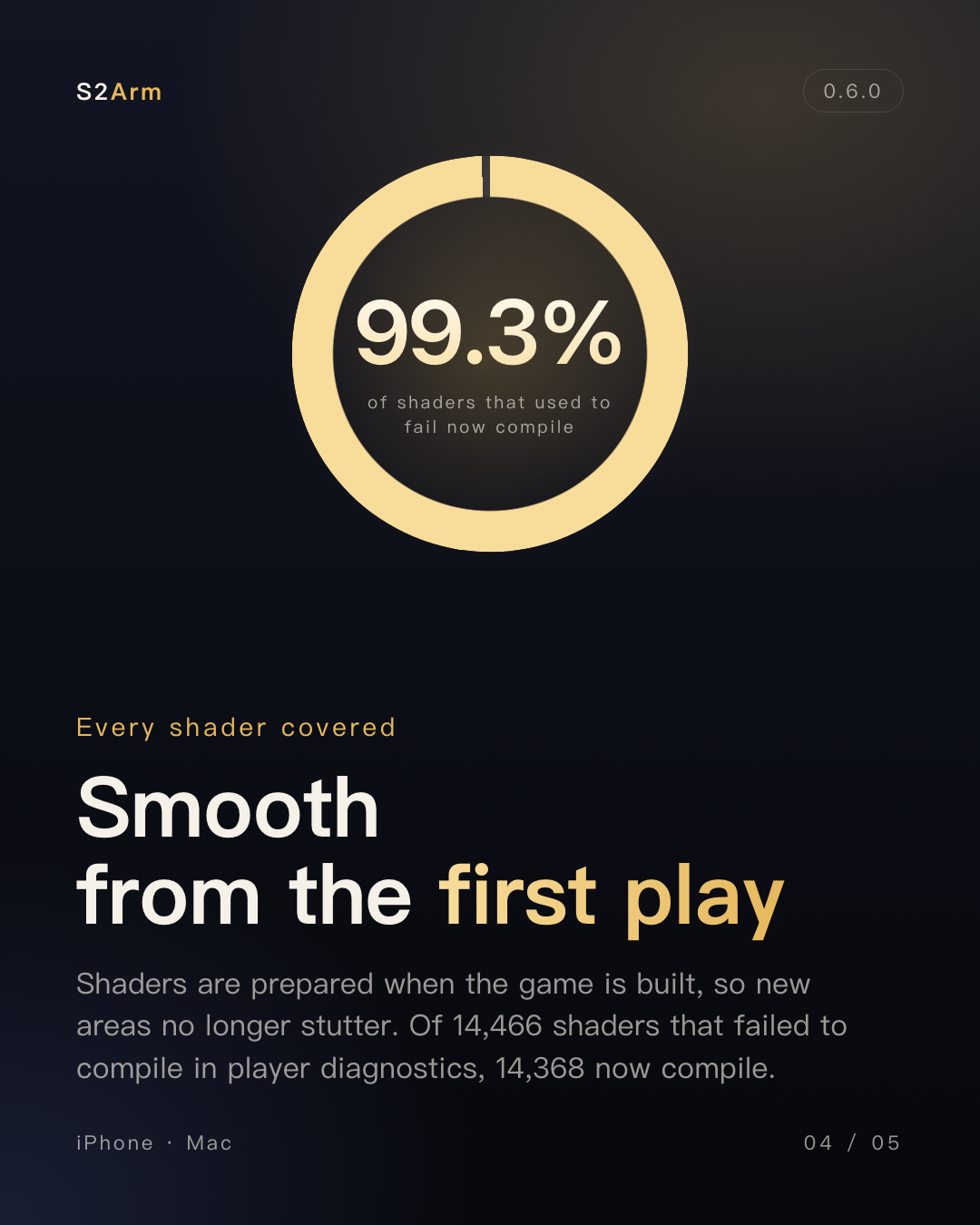
Shaders are prepared when you send a game, so new areas no longer stutter. Of 26,809 shaders from 69 games that had failed to compile in player diagnostics, all 26,531 that can be read as shaders now compile; 278 were damaged inputs (this counts only those failures, not all shaders). On iPhone, precompiled pipelines come only when you push with it connected; self-signing exports still compile on first use for now.
Since 0.5.0: 344 fixes merged (fix commits merged into main), 156 player reports handled (feedback issues closed), 126 community contributions merged (pull requests from players and developers); GPU render time in a deferred-lighting scene 4.8–5.9 ms → 2.7 ms; 35% lower peak memory when building large games.
FROM SETUP TO PLAY
Choose a launcher, import your own files, build for your device and complete the first installation.
Separate the play device from the build computer, and minimum requirements from verified behavior.
Understand Apple ID signing, device trust and renewal without deleting the app to troubleshoot installation.
Adjust resolution, antialiasing and frame limits using documented options, without confusing a cap with an unlock.
Connect a system-recognized controller, check button mapping and understand version-specific touch controls.
Save in-game first, inspect backup identity and protect progress during upgrades, restores or app removal.
Windows: Update N games / Update selected works again. Mac: Update selected now reports a game that did not make it and lets you retry. Windows: the first launch after upgrading from 0.5 no longer says the game library is not set up. Mac: an occasional "device not found" during a push now falls back to another route. Same as 0.6.0: Mac with Apple silicon on macOS 15 or later; 64-bit Windows 10 or 11; iPhone / iPad on iOS / iPadOS 18 or later.
One app for every game: install S2Arm on your phone once and every game lives in its library. Snapshots: tap the translucent button at the top right in game to save the whole game state as it is right now; long-press it and choose to return to the last saved moment. Much faster Push to iPhone: a big game's program used to go over file by file (1,500+ files, about an hour). No more hitch in new scenes: shaders are precompiled for Apple GPUs at build time. .s2arm files: export any game as an .s2arm (with its .img) and import it on another device; the first time it starts, the app signs it with that device's own signing identity. Self-signing with AltStore / SideStore? Import games right on your phone: ① in AltStore or SideStore settings, export your signing certificate and set a password; ② open S2Arm, gear → Signing certificate → Import .p12…, pick the certificate and enter the password; ③ then put .s2arm and .img files (exported from your computer or shared by a friend) into S2Arm's Import Here folder and play. Self-signers can push games from the computer too: when S2Arm on your phone was installed by AltStore / SideStore, the launcher's console recognizes it and offers Send selected to iPhone, Export selected as .s2arm, Export S2Arm.ipa and Give the signing identity to the phone. Mac launcher signs in to your Apple ID itself: no Xcode account needed on Mac anymore. Multiplayer mode (community contribution, #1075, thanks SyunSS): iPhone and Mac settings add Multiplayer mode. Controllers: on Mac, Nintendo controllers (Switch Pro, Joy-Con and others) can now use the Xbox button layout (bottom to confirm, right to cancel), matching iPhone. In-game report button: on iPhone, a report button now sits right of the gear at the top left and opens the report form directly. Games start faster: the file checks before every start are gone. See what each game takes: Free up space in each game's "…" menu lists shader and build caches, the Mac version and built iPhone packages separately; tick what you don't need and click Free. If returning to a snapshot fails and the game starts fresh, you're told why instead of it silently falling back. Apple TV, one app too (experimental): S2Arm is installed once and each game is signed for Apple TV and pushed in. Windows: after adding a game, the new game is selected instead of jumping back to the previous game's build page. Windows: while one game is building, opening another goes to that game's own build page, where you can add it to the build queue; it starts automatically when the current build finishes. Mac: motion on original Joy-Con. Trine 5 (Mac): fixed graphical corruption after entering the game (same package compared on Mac before and after: the related error lines went from 8 to 0). Mac / iPhone: in some games that use very large memory pools, GPU compute effects could be missing or frozen and some objects could flicker or disappear (no crashes; Windows was not affected). Fixed a black screen after returning to a snapshot, seen on one big game; verified on Mac. 60 FPS turned on but stuck at 30: after one session dropped frames, every later session used to stay at 30 FPS, so the 60 FPS switch looked broken. Mac: an open-world game froze mid-battle and the picture broke into pieces. Mac: building wrote the internal disk full when the library was on an external disk. Games played only on Mac no longer get an "update the phone version" hint. Moving the game library to an exFAT or other non-APFS disk no longer fails. Windows: when antivirus or indexing software is holding a folder during a build, the build now waits for it instead of failing with "file or folder not accessible". Ori 2: occasionally crashes at start; being investigated. Get from SideStore (one-tap certificate import) hasn't been verified on a real device yet.
Windows: signing in with an Apple ID was being rejected by Apple (error 403).